 Keet Support
Recover a Profile
Learn how to view and secure your recovery phrase in Keet, and how to recover your profile on a new device using your recovery phrase or an encrypted backup file.
What is a recovery phrase?
In Keet, the recovery phrase is a human-readable backup of 24 random words that lets you restore your profile if you lose your device or reinstall the app. It is a 24-word code that works as a password. You should securely store your recovery phrase after the profile setup is complete and not share it with anyone else.
For an extra layer of protection, you can also back up your profile to an encrypted file that is unlocked with a password you choose.
How to view the recovery phrase in Keet?
The recovery phrase can only be viewed on your original device if you selected the 'Quick setup' option during profile creation.
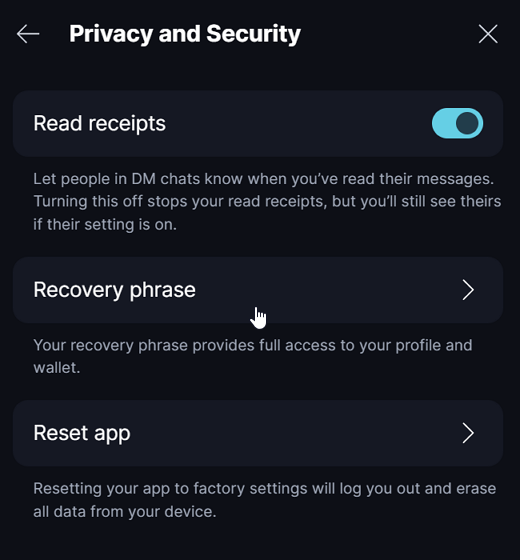
Open Keet on the device you created the profile (mobile or desktop). Go to 'Profile and Settings' / 'Settings' / 'Privacy and Security' / 'Recovery Phrase'.
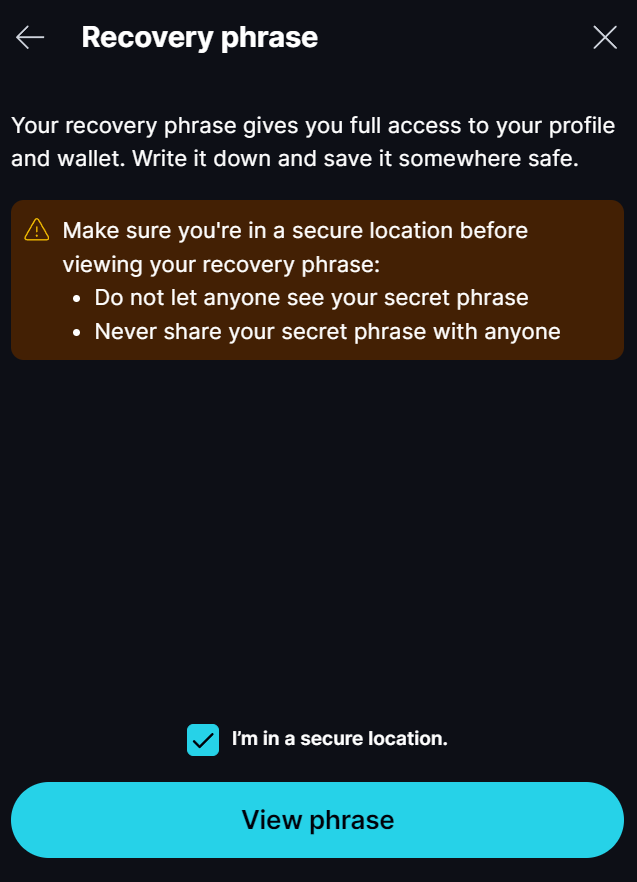
Read the security information and, if applicable, check the box to confirm. After that, click 'View phrase'.
Write down or copy directly from the app and store it in a safe place.
After viewing and copying the seed phrase, click 'Done'.
How can I regain access to my profile if I lose my device?
If you lose your device, you can use another linked device (if any) or recover your profile from scratch.
Link to existing identity
If you have other devices linked with the same Keet profile, set up a new device by following the linking device guide.
Recover profile
If no other devices are linked to your Keet profile, recover it using your 24-word recovery phrase or an encrypted backup file. Follow the steps below.
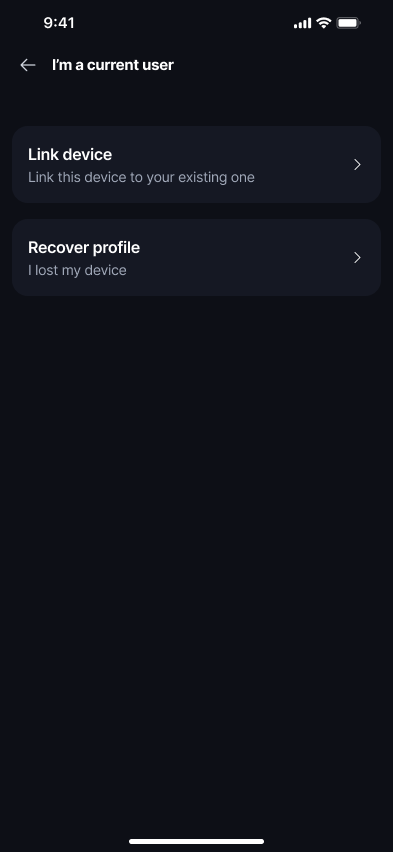
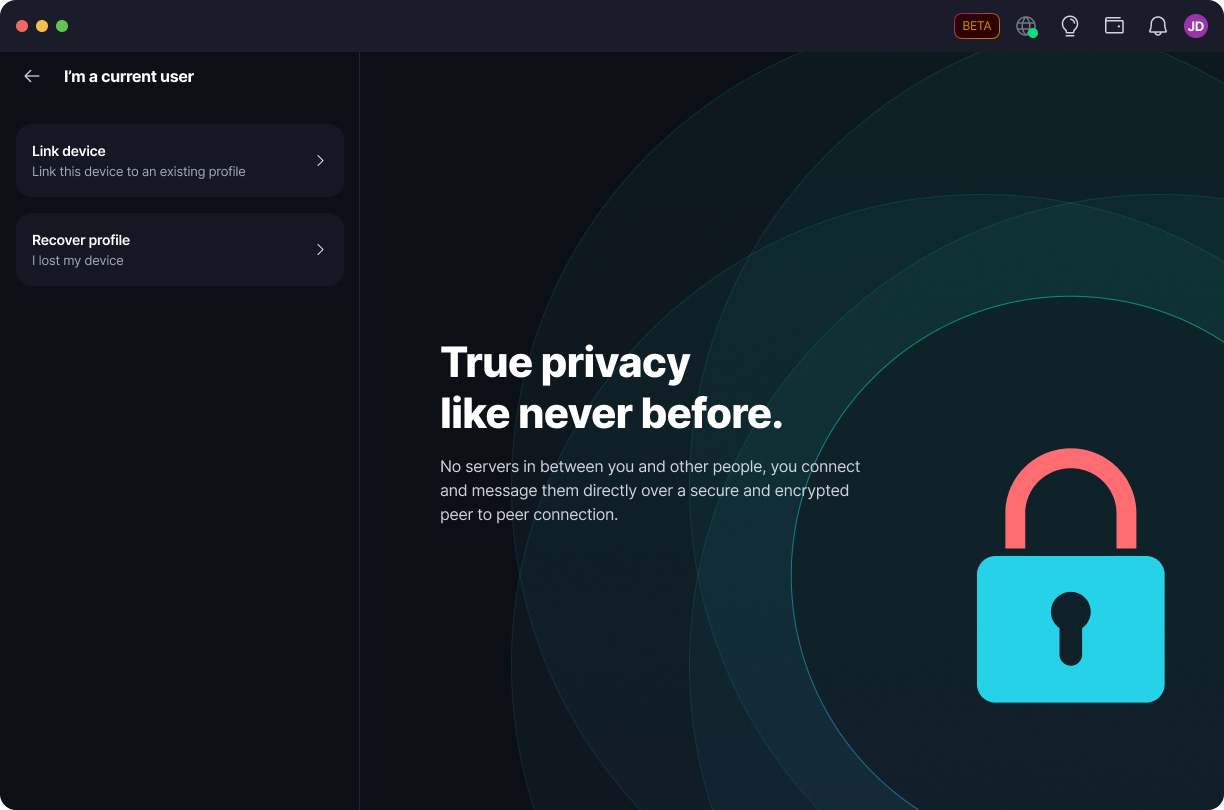
On the 'I'm a current user' screen, choose 'Recover profile', instead of 'Link device' (which is for adding a device to a profile you still have access to).
Important notice: Recovering with the 24-word recovery phrase creates a new identity instance, so proceed only if you have lost access to your profile on all devices.
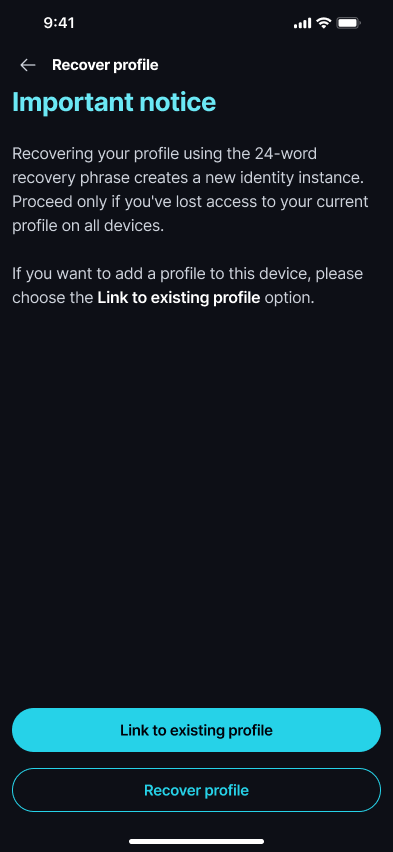
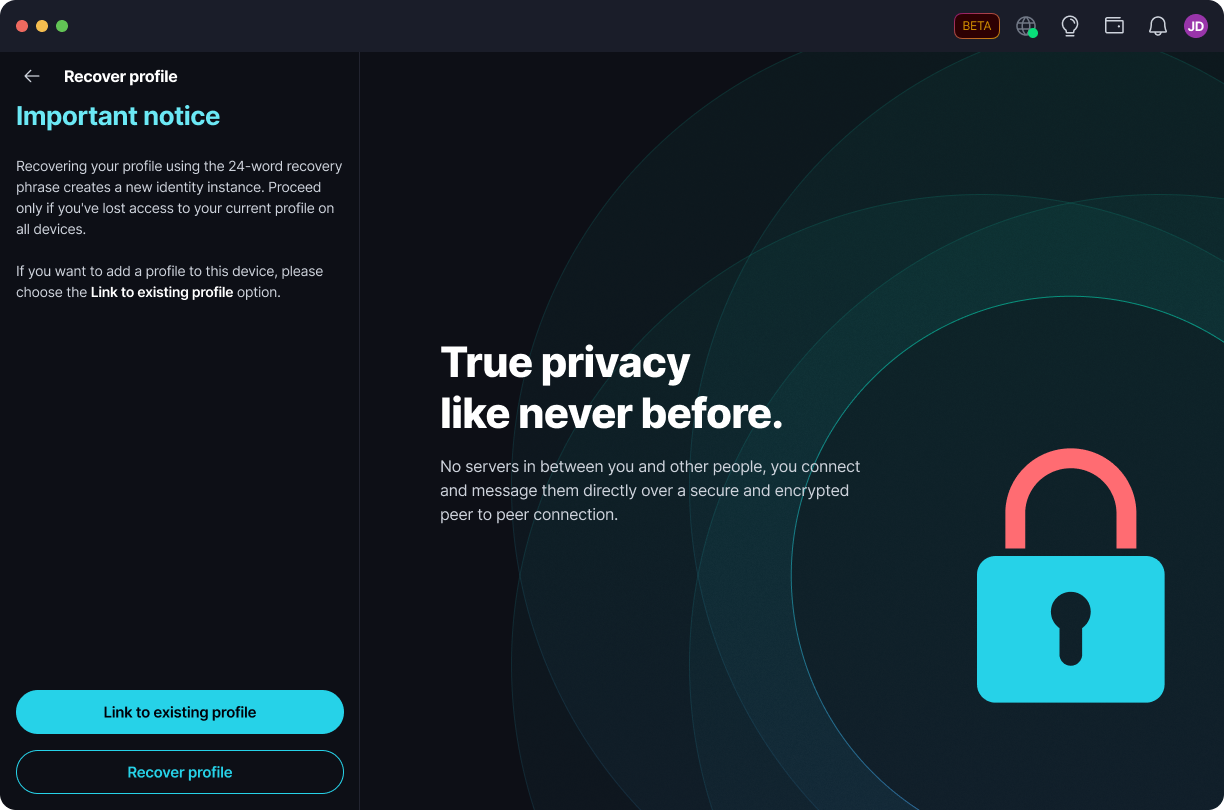
Recover with your recovery phrase
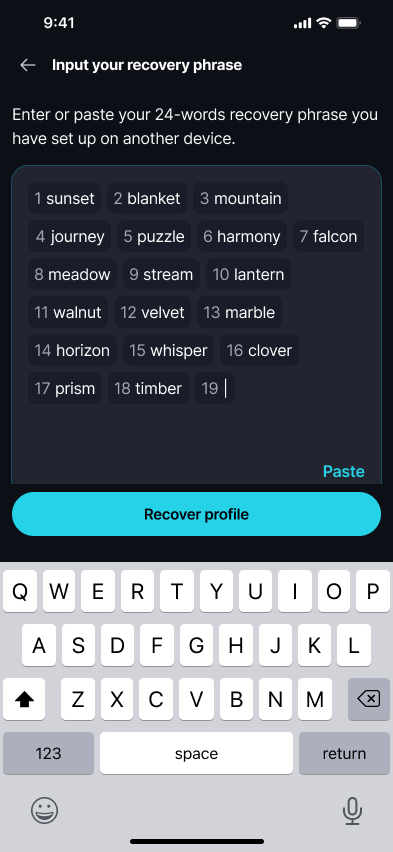
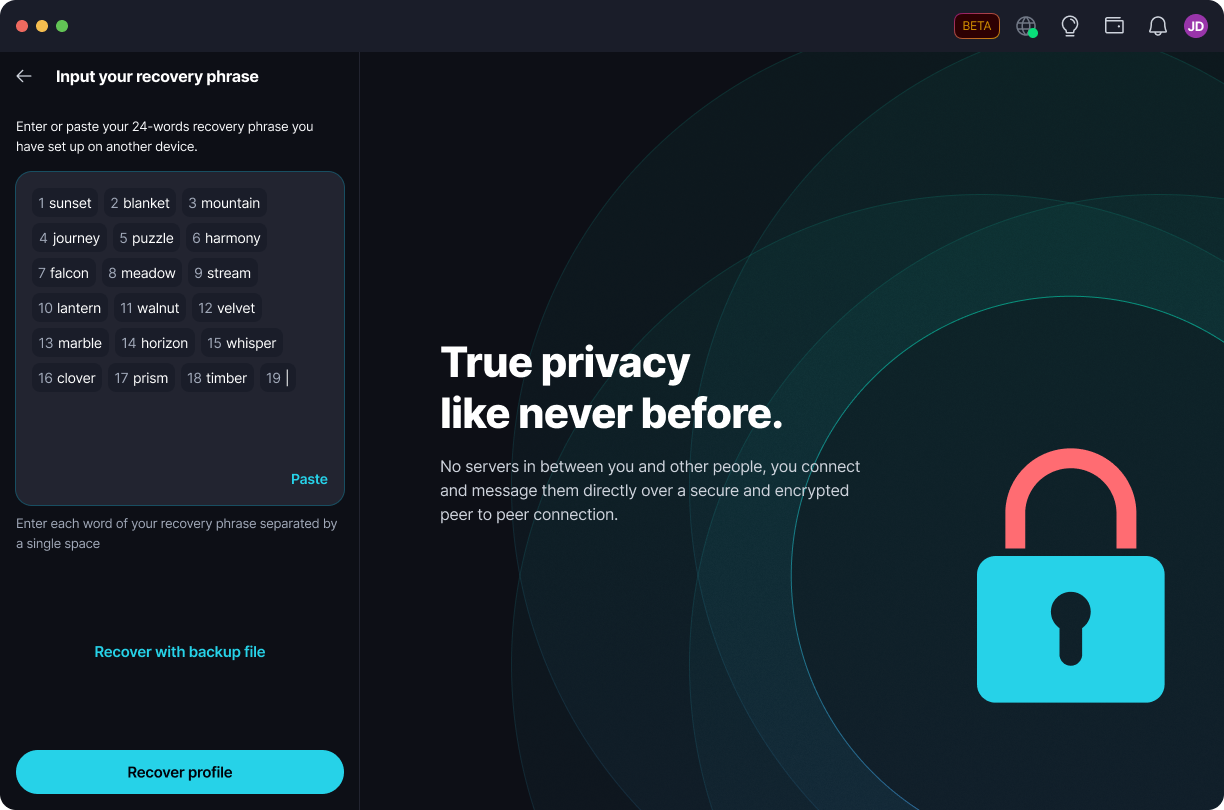
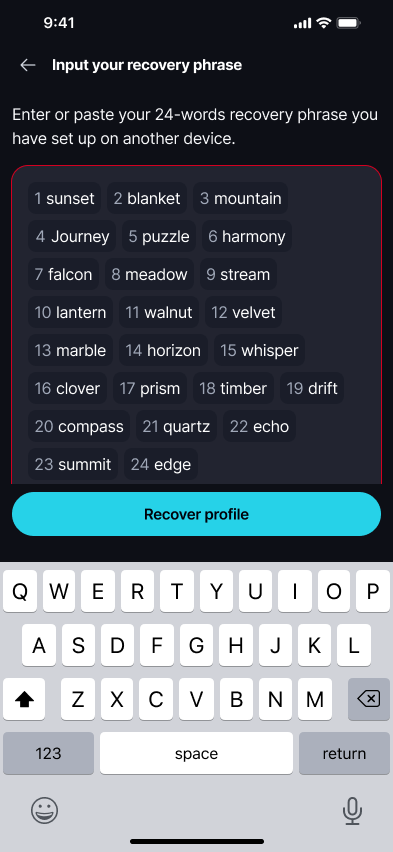
Enter or paste your 24-word recovery phrase, separating each word with a single space, then select 'Recover profile'.
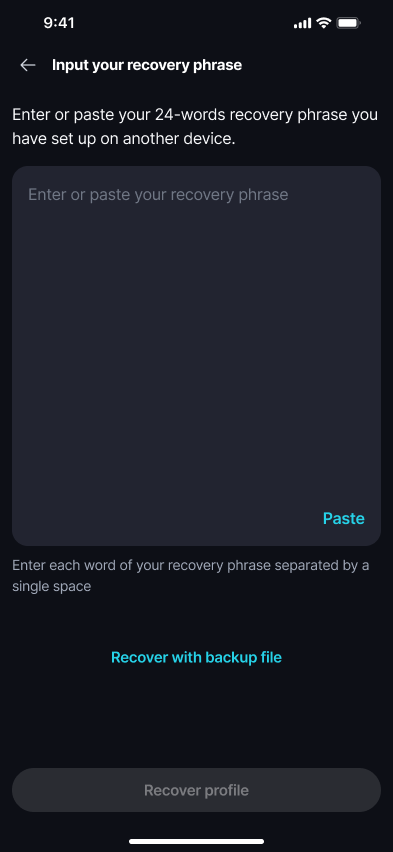
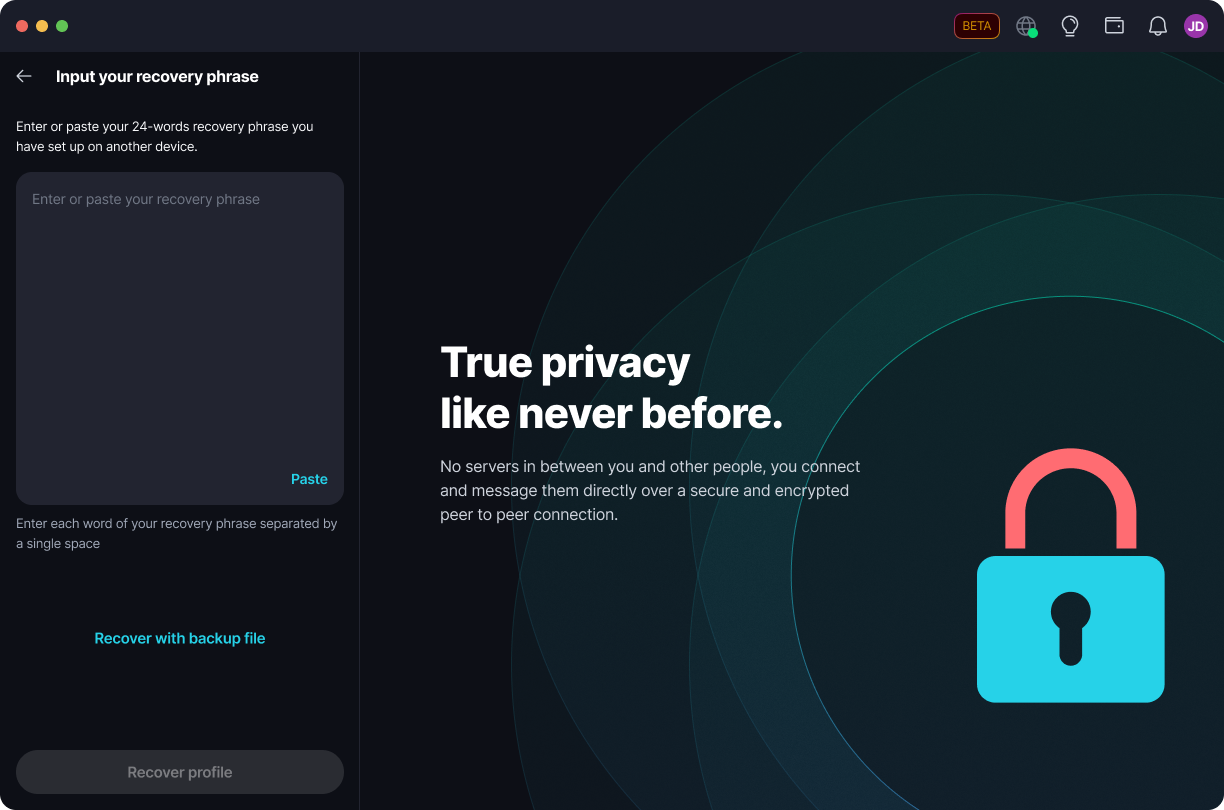
As you type, Keet numbers each word so you can check your progress.
Recover with your backup file
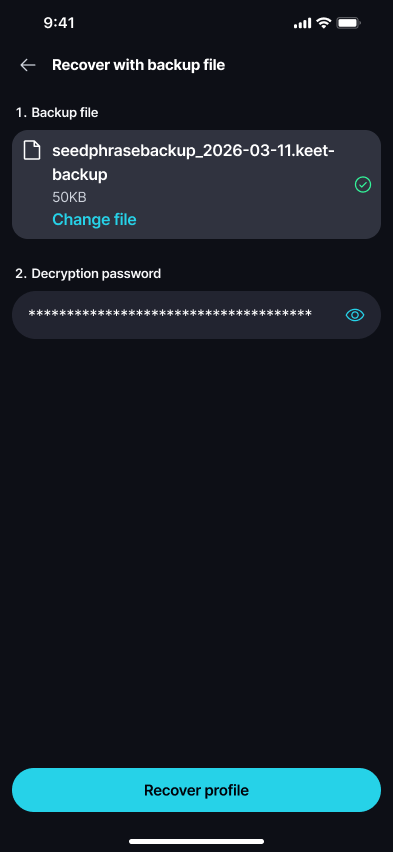
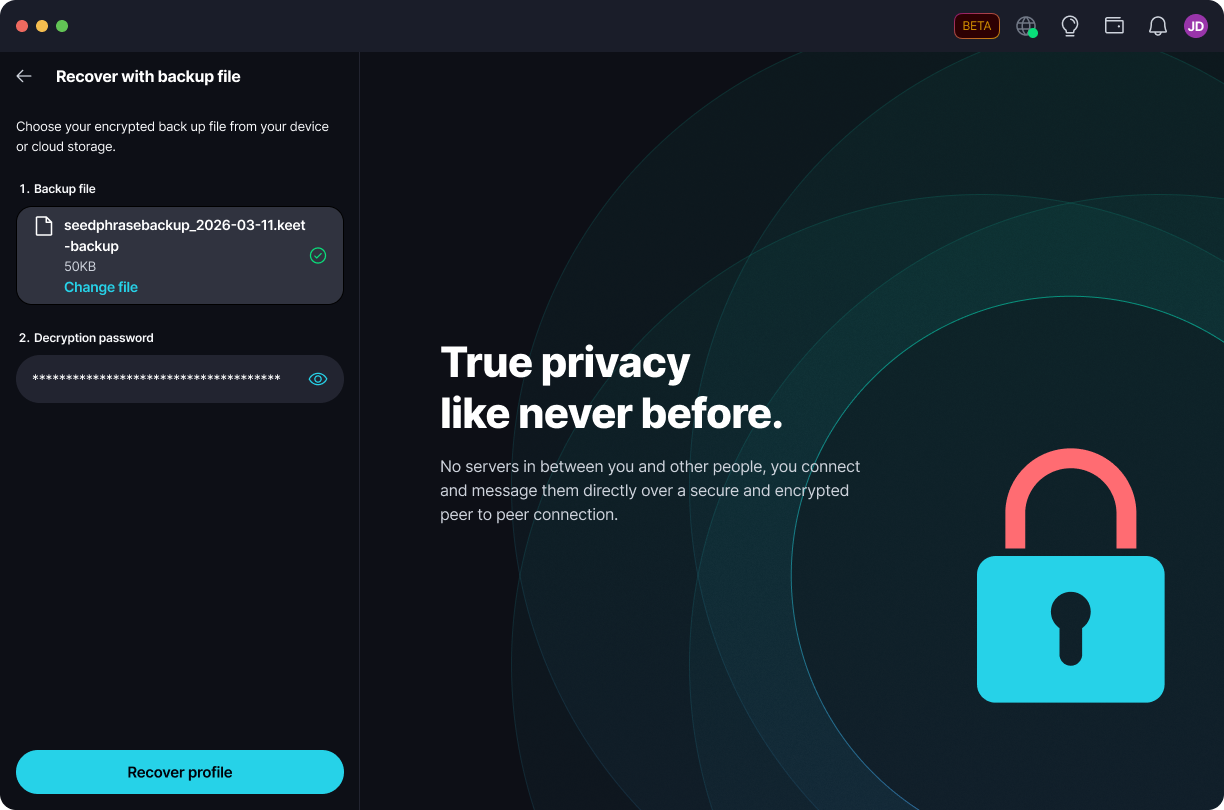
- Choose 'Recover with backup file'.
- Attach your encrypted backup file from your device or cloud storage.
- Enter the decryption password you set when creating it.
- Select 'Recover profile'.
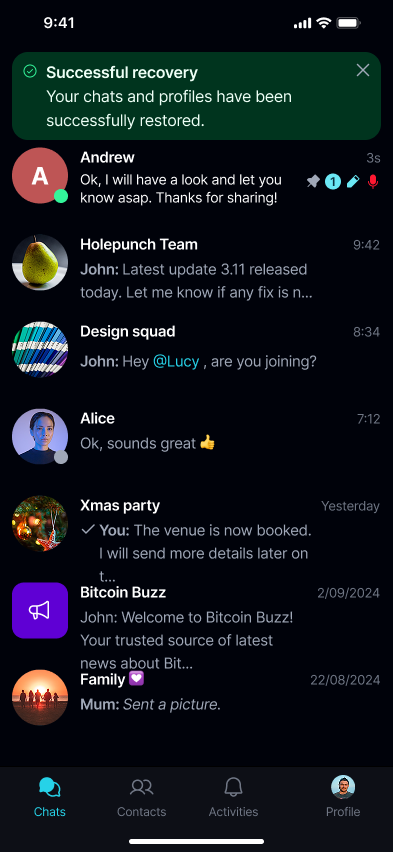
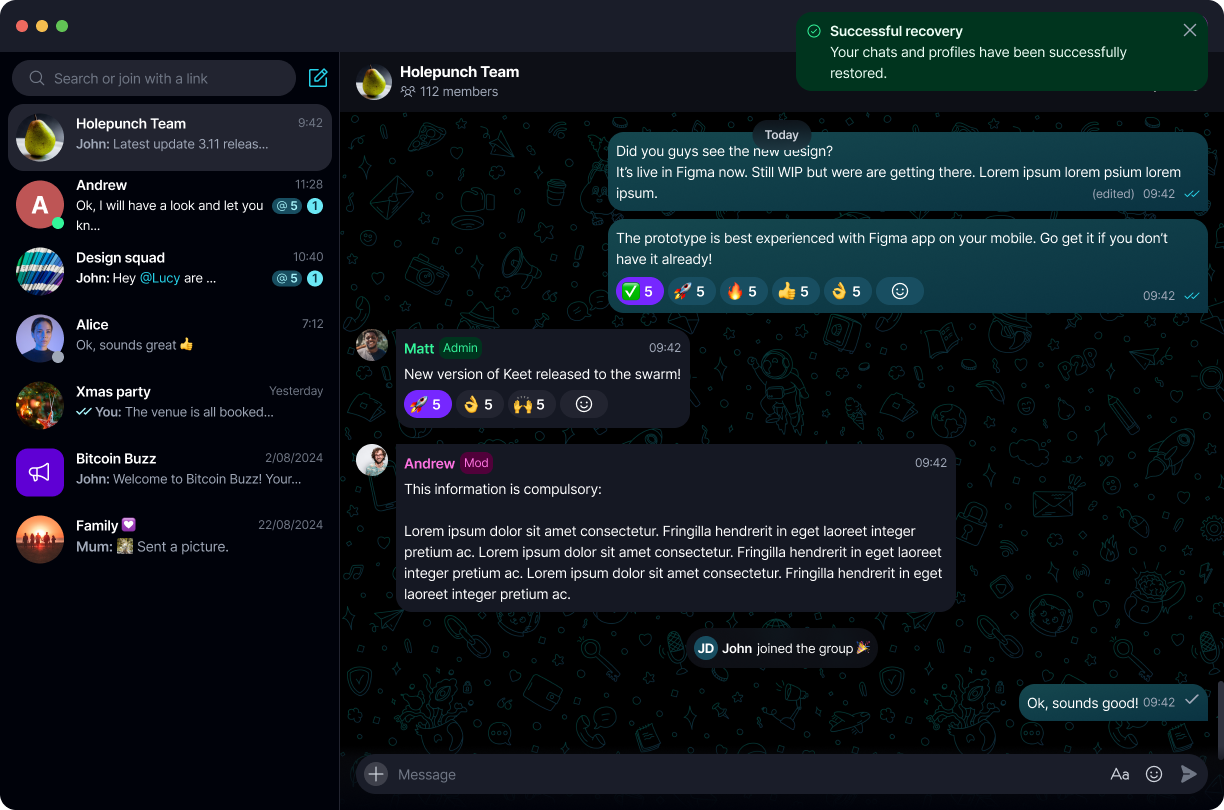
When recovery succeeds, Keet shows a 'Successful recovery' message and your chats and profile are restored.
Recovery troubleshooting
If recovery fails, Keet tells you what went wrong so you can try again.
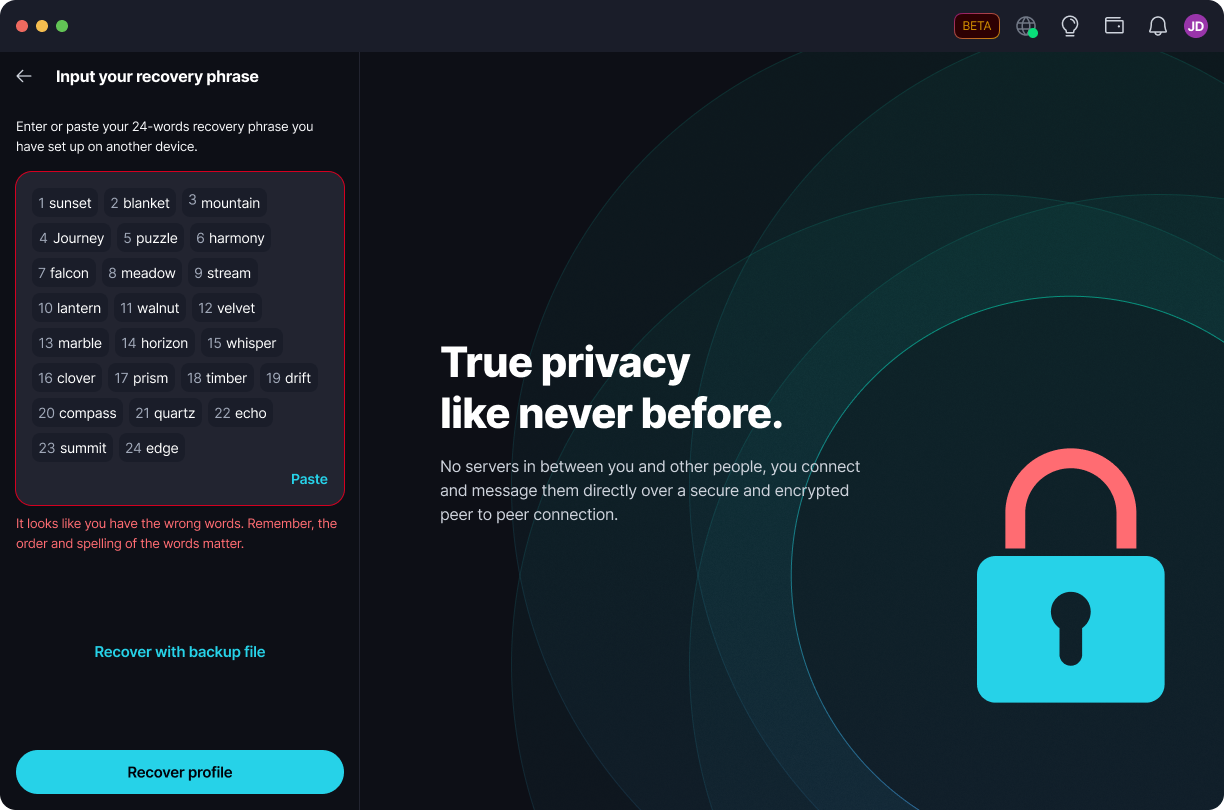
Wrong recovery phrase - if the 24 words don't match, the phrase field shows an error. Double-check the words and their order.
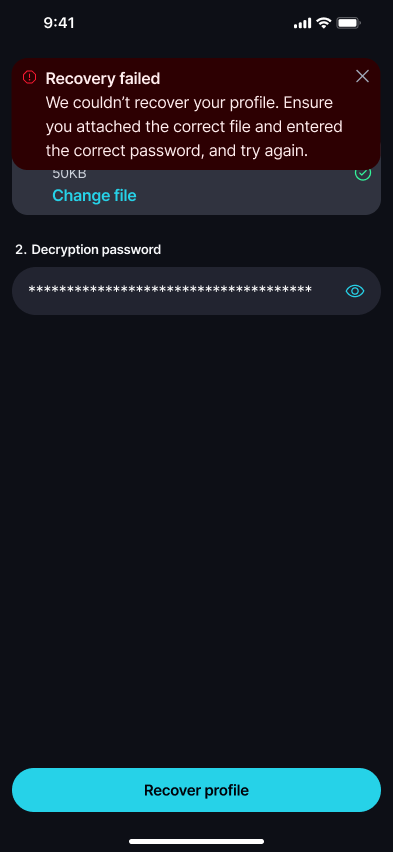
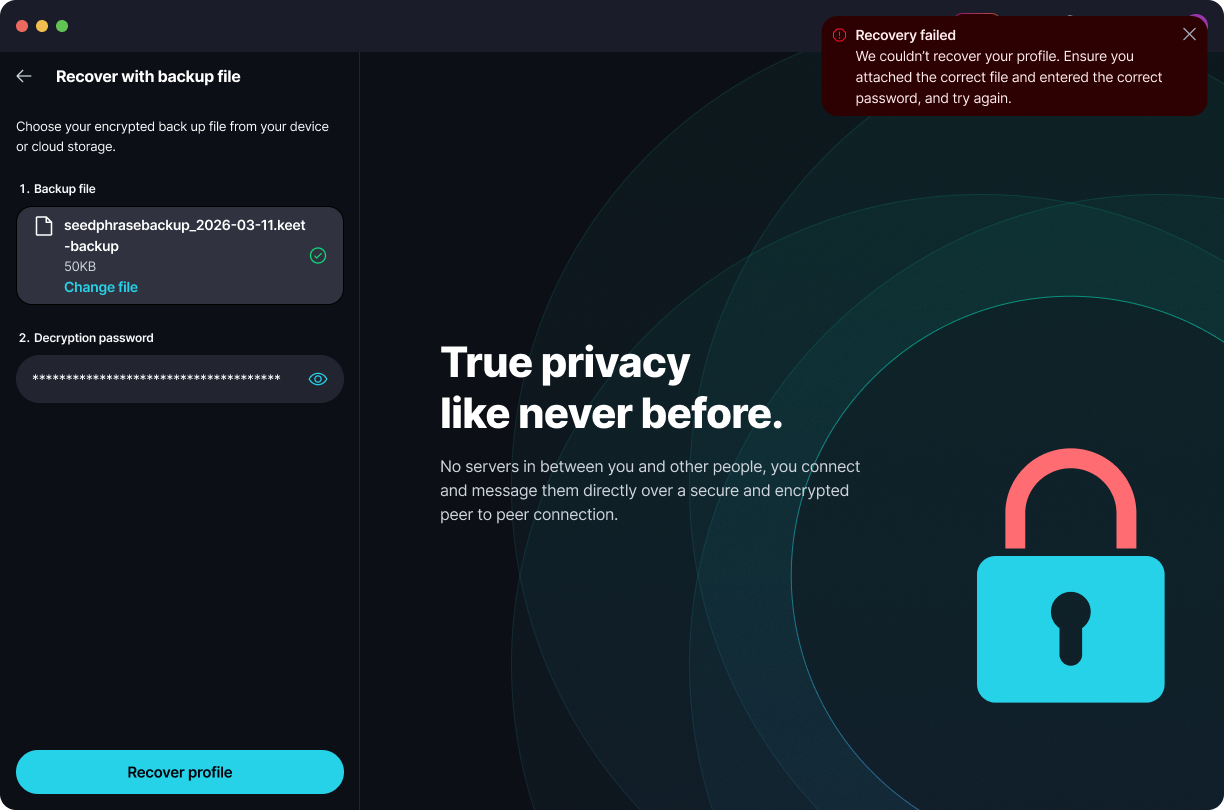
Wrong backup file or password - if the file or decryption password is incorrect, Keet shows a 'Recovery failed' message. Make sure you attached the correct backup file and entered the matching password.
Can I have multiple recovery phrases for my profile?
No, each profile is associated with a unique recovery phrase. You cannot have multiple recovery phrases for one account.
Is it possible to change my seed phrase or get a new one?
No, you cannot change the recovery phrase for your account. Each profile is associated with a unique seed phrase, you cannot generate a new 24-word phrase for the same Keet account.
Can I generate a recovery phrase offline?
Yes, you can generate the recovery phrase and set up your profile offline.